
Where should your accounting firm begin with AI?
AI operations for accounting and tax firmsStart with the work your team already does. We help you decide where AI belongs, which tools are worth considering, and how to put them into practice without handing professional judgment to a machine.Start my Inbox Audit
See the methodology
Free60 minutesone clear place to begin.
Your firm does not need another list of AI tools.
AI tools can summarize, draft, organize, and automate parts of the work.That does not tell you which tools belong in your firm.Start with the work your team already does.Identify the information each task uses.Define what happens if the result is wrong.Check the systems and permissions already in place.Name the person who remains responsible.
Where to begin
Where AI questions are already appearing.
01
Client onboarding
Engagement setup, required forms, missing information, ownership, and completion.02
Document collection
Match files to requests, prepare reminders, and route unusable files to a person.03
Ready-to-start
Apply agreed completeness rules without making professional decisions.04
Assignment and workload
Clarify the next owner, deadline, skill, reviewer path, and current queue.05
Status updates
Show what is waiting, who owns the next step, and when a message is needed.06
Review flow
Move preparation, clarification, approval, and release through a visible route.07
Deadlines and backlog
Separate client waits from internal waits; track queues, age, and due dates.A client document workflow.
EXAMPLE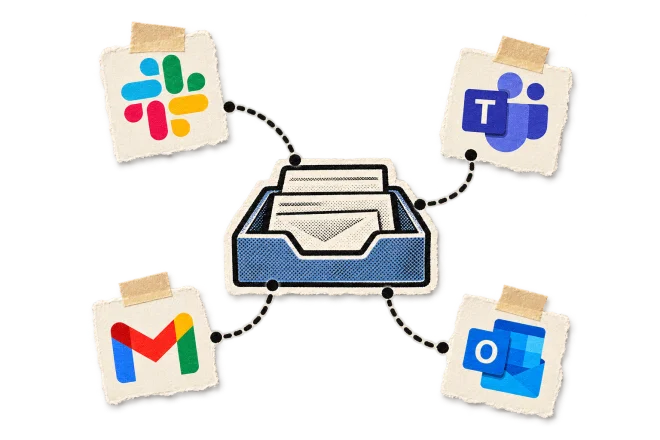
1
The document request goes out.
2
Files arrive through approved channels.
3
Each file is matched and checked.
4
Anything missing or unusable goes to a person.
5
Ready-to-start is reached, and it is assigned.
6
Preparation and review stay with your people.
What the audit maps
TriggerInputsSystemsPeopleHandoffsRulesDecisionsApprovalsExceptionsWaiting timeWorking timeCompletionVolumeTurnaround
How will we know it helped?
Also examined
Engagements per periodTime waiting on the clientReady-to-start to completionTouches per engagementReview turnaroundBacklog count and age
Examples of what we implement.


What we compare after launch.
 Use the same definitions before and after implementation. Record changes in scope, staffing, volume, season, and service level.
BeforeAfter implementation
Different people track outstanding documents.One current list of received and missing items.
Incomplete work enters the preparation queue.Agreed readiness checks happen before assignment.
Prepared work waits in an inbox.Review follows a named route.
Deadline risk appears late.Open work is tracked by age, owner, and due date.
The work around judgment is often the best place to begin.
 APPROVAL
 EXCEPTION
How we choose the first opportunitySee the methodology
Value
Frequency, time, delay.Readiness
Clear rules, usable inputs.Oversight
Exceptions and review needed.How we handle your client data.
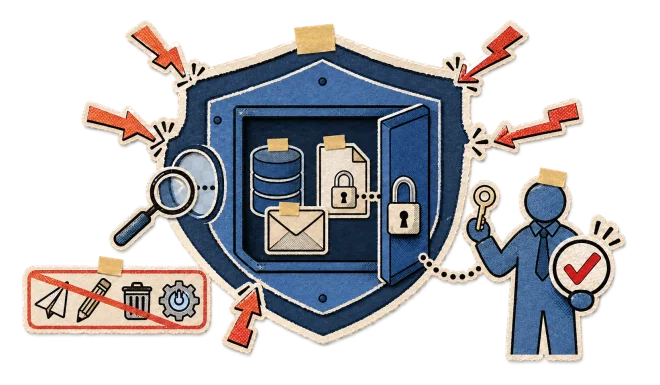
Read-only audit
We do not send, edit, delete, build, or activate anything.Files stay unchanged
The audit leaves your systems as it found them.Access follows your permissions
We work with the accounts you grant. How access is granted and revoked is agreed with you before anything is connected.Data handling is agreed first
Retention, deletion, and which providers are involved are settled with you before access. The Trust and data handling page lists what we cannot yet state.Your obligations still apply
Professional, security, privacy, and engagement obligations govern the work.We sign your confidentiality terms before we see an inbox.Compare like with like.
Compare the same type of work over comparable periods.Count client waiting time separately from internal waiting time.Record changes in staffing, scope, volume, and service level.Do not treat one good week as an annual result.Use the same definitions before and after implementation.The full proof standard
From assessment to implementation.
1
Free Inbox Audit
One inbox. 60 minutes. Read-only. Written next step.2
Team Workflow Audit
$1,500. One workflow mapped across up to three people.3
Implementation
Configure, connect, or build the smallest system that fits.4
Support after launch
Help the team use, maintain, and update the system.What each stage produces.
01
Inbox Opportunity Map
Repeated work, evidence, and the first opportunity.02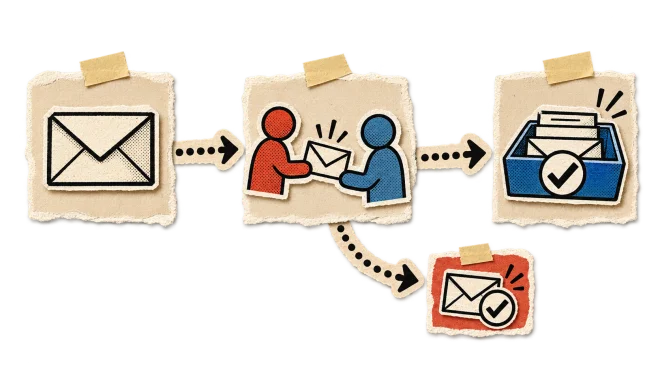
Workflow map
Steps, systems, owners, waits, decisions, and exceptions.03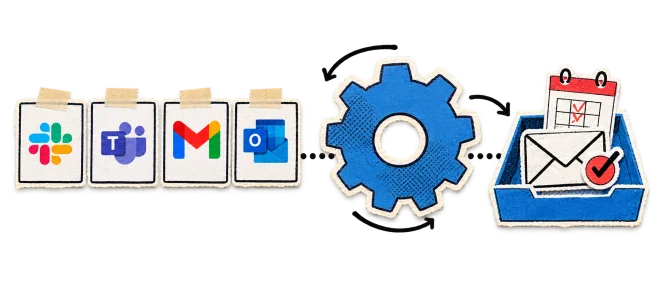
Baseline
The measures and source data agreed before implementation.04
Ranked recommendations
What to do first, with the reasoning written out.05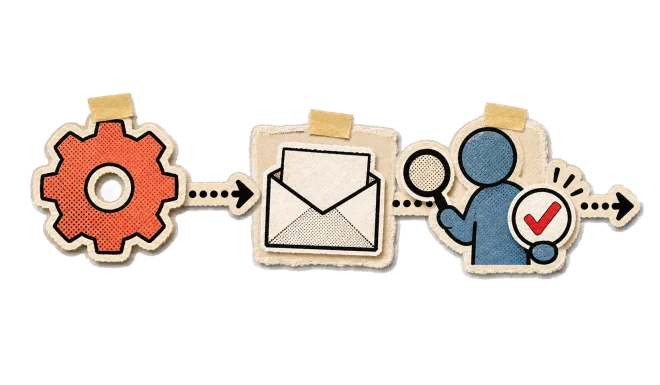
Implementation brief
Scope, controls, approvals, exceptions, and tests.06
Implemented system
The selected tool or workflow configured for the work.07
Operating support
Maintenance and changes after launch, when included.Common questions.

No. We evaluate the available options, recommend what fits the work, and implement the selected approach. A product may be part of the answer, but it is not chosen first.

Start with one inbox.
Bring the inbox closest to the work you want to understand. Leave with a written first opportunity and a practical next step.Also serving:Independent commercial insurance agencies
Where should your accounting firm begin with AI?
AI operations for accounting and tax firmsStart with the work your team already does. We help you decide where AI belongs, which tools are worth considering, and how to put them into practice without handing professional judgment to a machine.Start my Inbox Audit
Free60 minutesone clear place to begin.
Your firm does not need another list of AI tools.
AI tools can summarize, draft, organize, and automate parts of the work.That does not tell you which tools belong in your firm.Start with the work your team already does.Identify the information each task uses.Define what happens if the result is wrong.Check the systems and permissions already in place.Name the person who remains responsible.
Where to begin
Where AI questions are already appearing.
Client onboarding
Engagement setup, required forms, missing information, ownership, and completion.Document collection
Match files to requests, prepare reminders, and route unusable files to a person.Ready-to-start
Apply agreed completeness rules without making professional decisions.Assignment and workload
Clarify the next owner, deadline, skill, reviewer path, and current queue.Status updates
Show what is waiting, who owns the next step, and when a message is needed.Review flow
Move preparation, clarification, approval, and release through a visible route.Deadlines and backlog
Separate client waits from internal waits; track queues, age, and due dates.A client document workflow.
EXAMPLE1
The document request goes out.
2
Files arrive through approved channels.
3
Each file is matched and checked.
4
Anything missing or unusable goes to a person.
5
Ready-to-start is reached, and it is assigned.
6
Preparation and review stay with your people.
How will we know it helped?
Capacity
Work handled in a stated period.Turnaround
Elapsed time from the agreed start to the agreed end.Depending on the agreed workflow, we examine
Engagements per periodTime waiting on the clientReady-to-start to completionTouches per engagementReview turnaroundBacklog count and age
Examples of what we implement.
Document follow-up
Track received and missing items, then prepare or send reminders on an agreed schedule.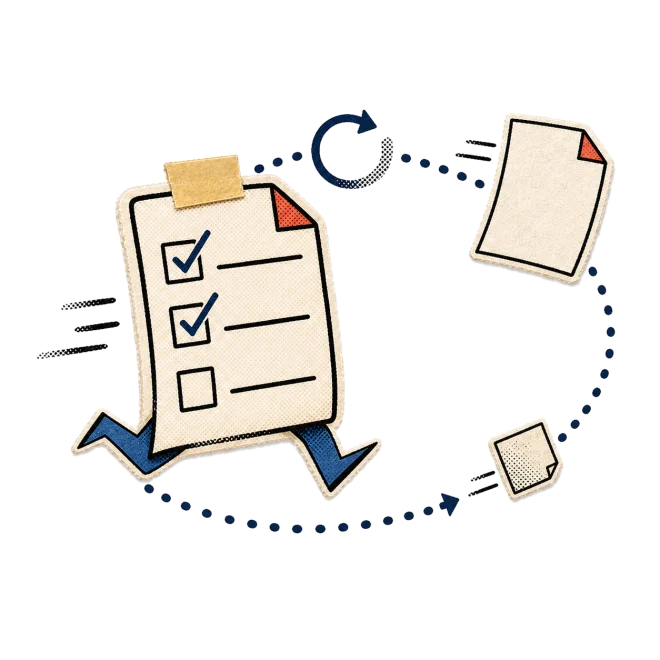
Ready-to-start checks
Apply agreed completeness rules before work enters the preparation queue.
Exception routing
Send missing, unreadable, duplicate, or ambiguous items to a named person.

Review handoffs
Route prepared work, questions, requested changes, and approvals to the right reviewer.

Deadline visibility
Show open work by status, age, owner, and due date.

What we compare after launch.
Different people track outstanding documents.One current list of received and missing items.
Incomplete work enters the preparation queue.Agreed readiness checks happen before assignment.
Prepared work waits in an inbox.Review follows a named route.
Deadline risk appears late.Open work is tracked by age, owner, and due date.
The work around judgment is often the best place to begin.
AI may support
Intake, checks, document status, reminders, routing, assignment, wrap-up.People remain responsible
Positions, conclusions, risk judgment, advice, sign-off, required review, filing authority.APPROVALEXCEPTIONHow we handle your client data.
Read-only audit
We do not send, edit, delete, build, or activate anything.Files stay unchanged
The audit leaves your systems as it found them.Access follows your permissions
We work with the accounts you grant. How access is granted and revoked is agreed with you before anything is connected.Data handling is agreed first
Retention, deletion, and which providers are involved are settled with you before access. The Trust and data handling page lists what we cannot yet state.Your obligations still apply
Professional, security, privacy, and engagement obligations govern the work.We sign your confidentiality terms before we see an inbox.Compare like with like.
Compare the same type of work over comparable periods.Count client waiting time separately from internal waiting time.Record changes in staffing, scope, volume, and service level.Do not treat one good week as an annual result.Use the same definitions before and after implementation.
From assessment to implementation.
1
Free Inbox Audit
One inbox. 60 minutes. Read-only. Written next step.2
Team Workflow Audit
$1,500. One workflow mapped across up to three people.3
Implementation
Configure, connect, or build the smallest system that fits.4
Support after launch
Help the team use, maintain, and update the system.What each stage produces.
Inbox Opportunity Map
Repeated work, evidence, and the first opportunity.Workflow map
Steps, systems, owners, waits, decisions, and exceptions.Baseline
The measures and source data agreed before implementation.Ranked recommendations
What to do first, with the reasoning written out.Implementation brief
Scope, controls, approvals, exceptions, and tests.Implemented system
The selected tool or workflow configured for the work.Operating support
Maintenance and changes after launch, when included.Common questions.
No. We evaluate the available options, recommend what fits the work, and implement the selected approach. A product may be part of the answer, but it is not chosen first.

 YouTube
 LinkedIn
 TikTok
 Instagram
 Facebook
 Substack